Save a recipe you’ll actually use again.
- Open your cookbook and choose Add a recipe. Enter the title, original servings and cooking time.
- Paste the ingredient list, one ingredient per line. Choose Review ingredients and correct the amount, unit and ingredient name.
- Add the method, one step per line. Keep the original source or your own notes in the attribution field.
- Save it. Use Plan this to put it on the calendar, or Start cooking for one step at a time.
Parsing is a draft. You have the last word.
Krayv recognises common units, decimal points or commas, ordinary fractions such as 1 1/2, and Unicode fractions such as ½. Lines with unclear quantities, ranges or package details are flagged for your review. Grouped numbers such as 1,000, 1.000 or 1 000 are ambiguous across countries; enter 1000 without a separator when you mean one thousand. Review flags keep uncertain lines out of automatic scaling and merging.
Example: “200 g pasta” can become 400 g when you double the servings. “Salt to taste” stays exactly as written and remains a review item.
Change servings without losing the original.
Open a recipe and change the serving count. Clear ingredient quantities scale proportionally; your original recipe is preserved. Cooking time, temperature, pan size and technique still need your judgement. Cups and spoons stay in their written units, since their sizes vary between recipes and regions.
Bring in recipe data, then review it.
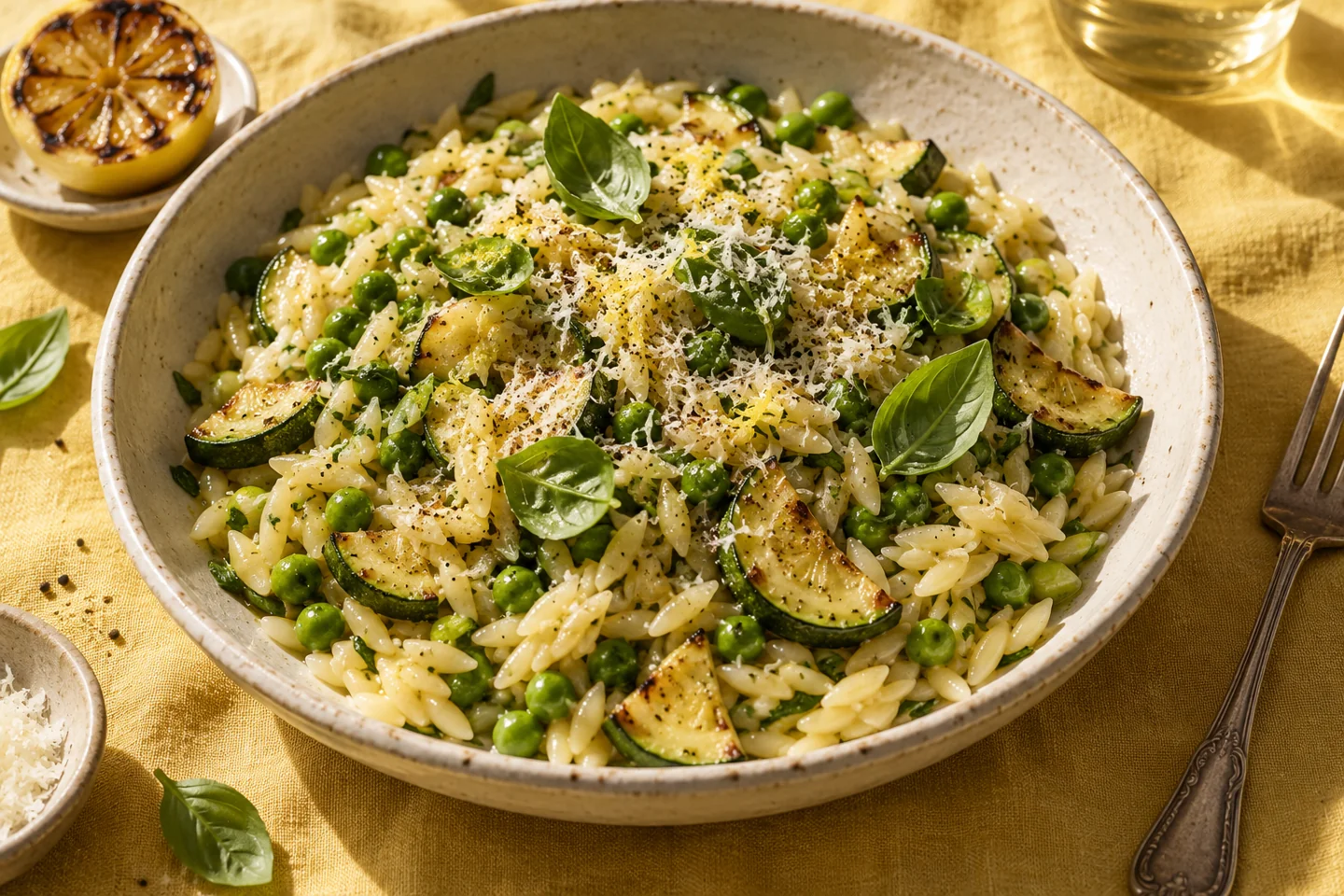
Choose Import recipe to paste Schema.org Recipe JSON-LD or select a local HTML/JSON file, up to 2 MB. Krayv finds Recipe records in arrays and @graph data, including structured instruction sections. Choose a record when there are several, then review every field in the editable recipe form before saving. Ambiguous serving yields and missing cooking times need your input. A website URL alone is not an import: no remote page is fetched. Only JSON-LD data is read from an HTML file. Its scripts, page resources and images are not executed or loaded. Imported nutrition claims are not treated as verified food mappings. Save only recipes you have the right to use, and check the source attribution. The original example recipes are demonstrations written for Krayv, with generated editorial imagery; they are not kitchen-tested.
Your cookbook belongs in your hands.
Recipes save to this browser on this device. Use Backups → Download backup to export your recipes, meals, reusable menus, saved nutrition mappings and pantry as versioned JSON. Existing v1 backups can be restored; new exports use v2. Restore that file on another device to move your workspace. This is manual transfer, not household or cloud syncing.
Open my cookbook ↗